I recently came across a FREE utility called IsCommandLineApp from Helge Klein, a little command-line tool that can be used to determine whether a specific executable is a command-line program. To run this against multiple executables manually is a kind of a pain, so I decided to write a PowerShell script that runs IsCommandLineapp against a defined Folder and all it’s subfolders.
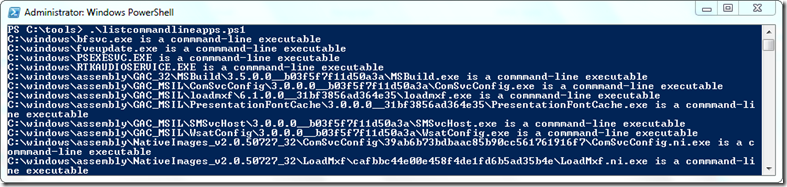
To run the script, first download the IsCommandLineApp from here) and then edit the variable $IsCommandLineApp so that it points to the location where you have stored the tool. If you want to search through another folder than C:\Windows change the variable $StartPath
# =====================================================================
# Script Name : listcommandlineapps.ps1
# Author: Alex Verboon
# Date: May 2012
# Purpose: List all executables that are a commandline application
# =====================================================================
$ErrorActionPreference = "SilentlyContinue"
$IsCommandLineApp = "c:\Tools\IsCommandLineApp.exe"
$StartPath = "c:\windows\"
if (Test-Path $IsCommandLineApp)
 {
# IscommandlineApp.exe found
 }
else
 {
 echo($IsCommandLineApp + " not found. Download from [http://helgeklein.com/free-tools/iscommandlineapp/")](http://helgeklein.com/free-tools/iscommandlineapp/"))
 exit
 }
$stringA = "is not a"
$files = get-childitem $StartPath -filter *.exe -recurse
 foreach ($file in $files)
 {
    $a = & $IsCommandLineApp $file.FullName
     if ( ($a.Contains($stringA)))
         {
         }
    Else
          {
        Write-output $a
         }
 }
To get all the results into a text file run listcommandlineapps.ps1 >allcmdapps.txt