Those of you who have been using the Windows Performance Analysis Toolkit know of the many command line options xperf provides. Xperf123 solves that challenge by providing an intuitive user interface to configure and start a trace.
Xperf123 provides the following trace options:
General Base
Disk I/O
High CPU
Paged/Non Paged Pool
Working Set
Heap Leaks
Virtual Allocations (Memory Leak)
Wait Analysis
Shutdown
Reboot
Startup
Hibernation
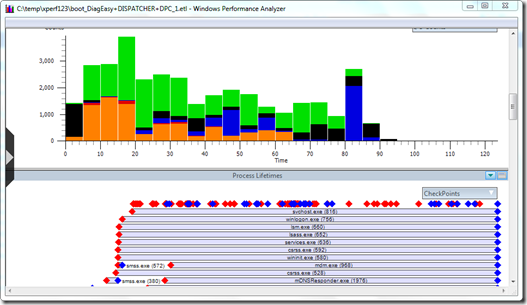
Note that the Xperf123 download package has the 64 bit version included of the following tools. XPerf.exe, perfctrl.dll, xbootmgr.exe, xbootmgrSleep.exe and xperf.exe. If you are running a 32 bit version of Windows 7 you must download the appropriate binaries from here
Xperf123 can be downloaded from here