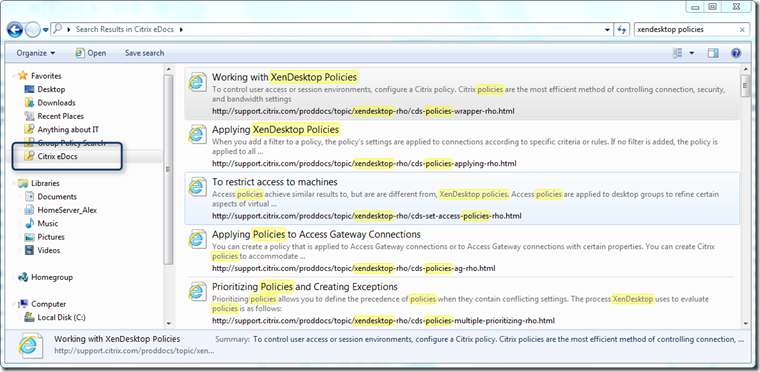
Here’s another Search Connector for Windows 7 I’ve just created. Start your Citrix eDocs search directly from the Windows Explorer.
Installing the Search Connector for Citrix eDocs
Download the citrixedocs.zip from here.
Extract the citrixedocs.osdx from the ZIP file
Double click on the osdx file
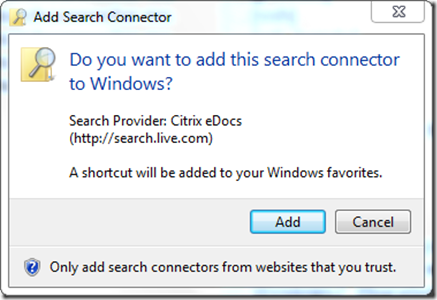
Click Add to install the Search Connector
To remove the Search Connector simply click on the Citrix eDocs Search Connector in Windows Explorer and select Remove. Then open windows explorer and navigate to C:\Users<user>\Searches (where
is your username) and delete the file Citrix eDocs.searchConnector-ms Happy searching!