Windows 8.1 Update introduces a new cmdlet that allows you to export third-party drivers that are located within the driver store of a Windows client.
$ExpDrv = Export-WindowsDriver -Online -Destination c:\temp\3rdpartydrivers
```powershell
The result, all drivers exported into the provided destination directory
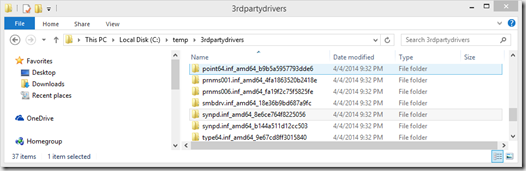
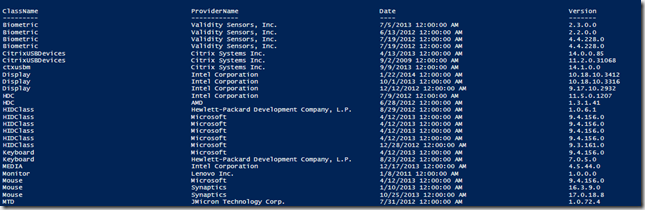
Now we have a whole bunch of folders, but what drivers did we actually export?
```powershell
$ExpDrv | Select-Object ClassName, ProviderName, Date, Version | Sort-Object ClassName
For more information read the What’s new in DISM article here