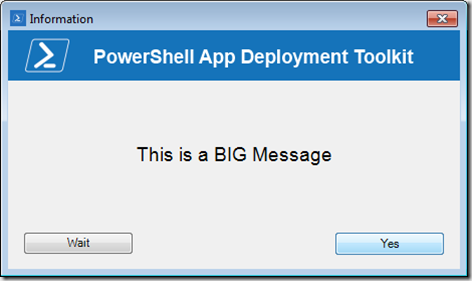
I have had a request this week to make the font size of the Message text displayed by the PowerShell App Deployment Tookit function **Show-InstallationPrompt **a bit larger.
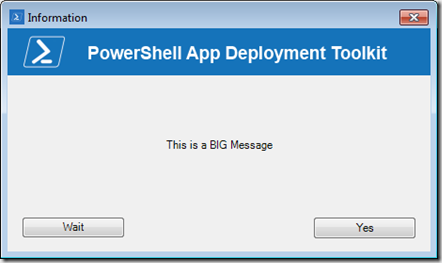
To make the font of the message larger, all you need to do is adding 2 lines of code to the Function Show-InstallationPrompt that is embedded within the AppDeployToolkitMain.ps1 file.
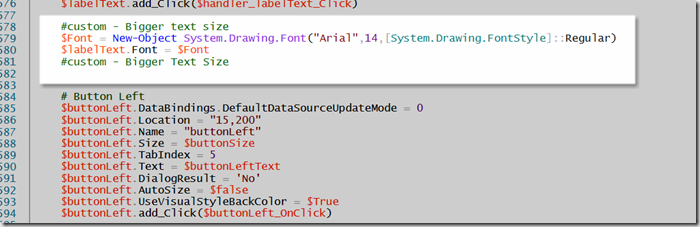
Add the following code just above the “#button left” section.
#custom - Bigger text size $Font = New-Object System.Drawing.Font(“Arial”,14,[System.Drawing.FontStyle]::Regular) $labelText.Font = $Font #custom - Bigger Text Size
As you can see, now the text size of the message has increased.