While I was actually looking for something totally different, I stumbled on IsTouchEnabled.exe, which is stored in the MDT 2012 \Tools\OSDResults folder. The name says it all: it detects whether the device supports touch or not.
I copied the utility and ran it on a Samsung tablet with Windows 7, an HP workstation with Windows 7, an HP mobile workstation with Windows 8, and an HP ElitePad with Windows 8. On both tablet devices, the utility correctly detected touch support.
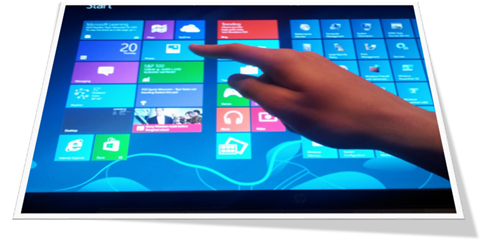
If you run into a scenario where behavior should differ based on touch capability, IsTouchEnabled.exe can be useful.
Example batch script:
@echo off
for /f "delims=" %%a in ('IsTouchEnabled.exe') do set Touch=%%a
if "%Touch%"=="1" (
  echo Touch is enabled
  rem run your code here
) else (
  echo Touch is not enabled
  rem run your code here
)
pause