If you have tried out the Office 2013 Preview you probably noticed the SkyDrive integration within the File Open and Save dialogs in Word, Excel and other Office Applications. Personally have started using SkyDrive all the time, but I can imagine that some companies rather do not want to see their users storing sensitive data on SkyDrive. So I wondered if this option could be disabled.
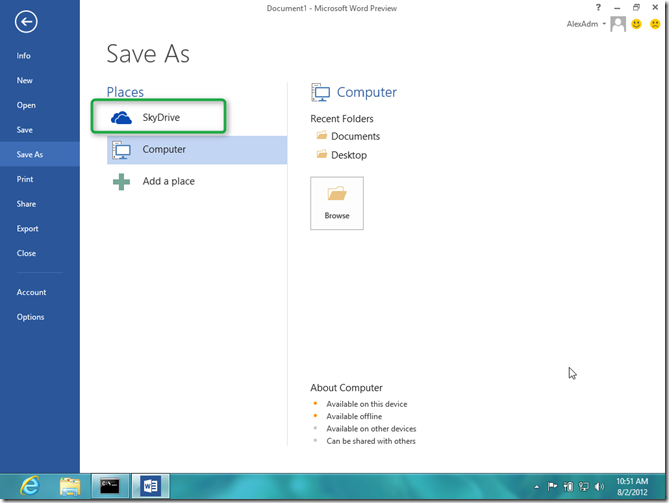
Well apparently there is a Group Policy setting for this called “Show SkyDrive Sign in” located under User Configuration / Policies / Administrative Templates / Microsoft Office 2013 / Miscellaneous
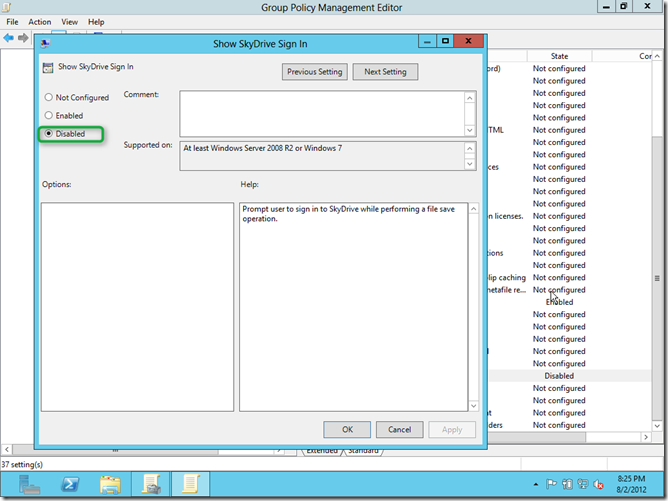
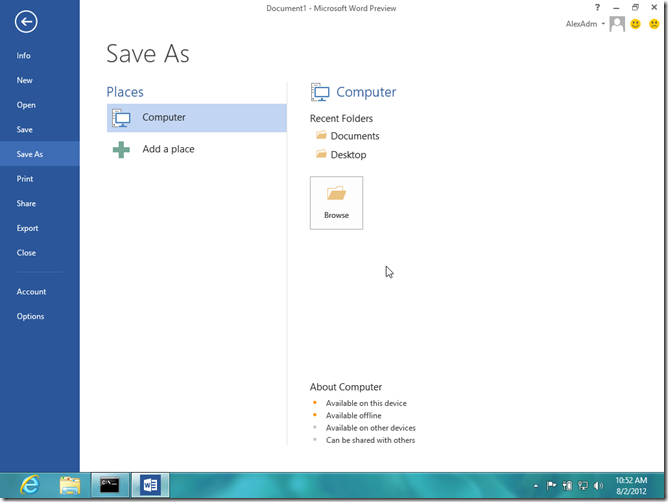
When setting this to Disabled, the result is as following.
But…if we select Add a place, we still get the SkyDrive option and I ‘m allowed to sign up and store my document.
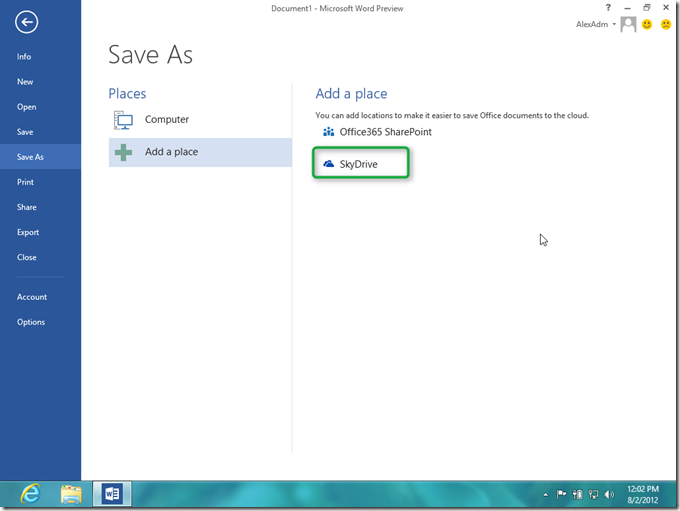
So it looks like the option can only be partially disabled, at least within the Microsoft Office 2013 Preview version.