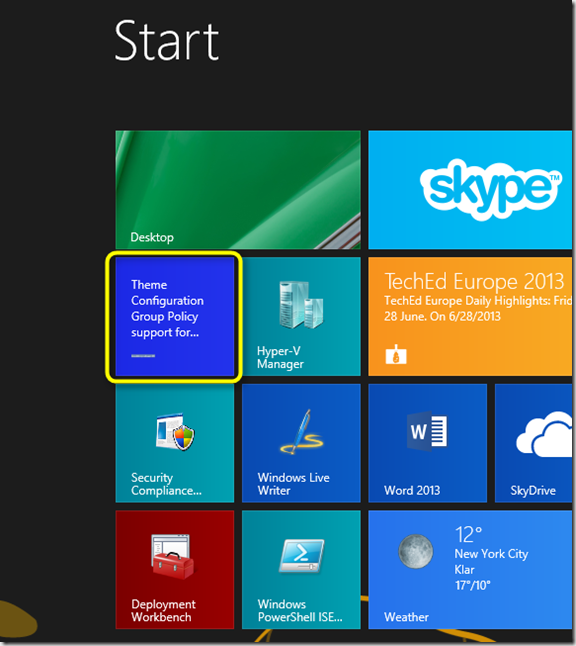
With just a few clicks and pasting 3 lines of code you can create a Windows 8.1 live tile for your blog. Here’s what you need to do.
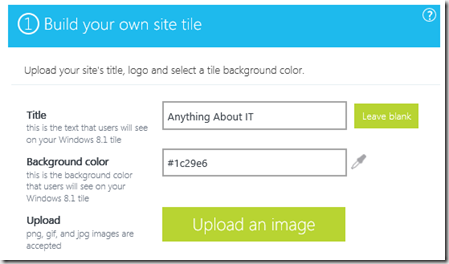
Navigate to http://www.buildmypinnedsite.com/en and fill in the requested information.
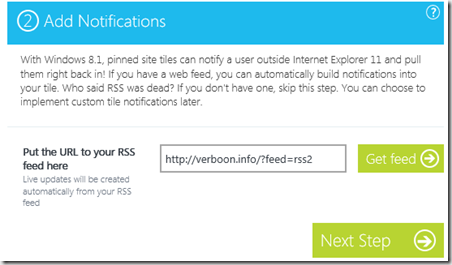
Copy the code.
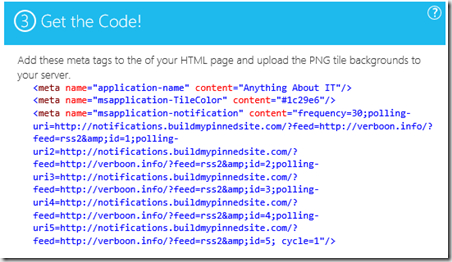
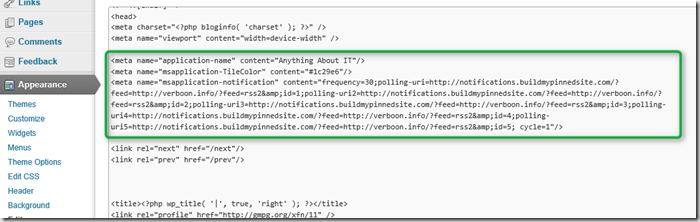
Next copy the code into your website. I added the code to the header.php of my WordPress site. If you use another blogging platform, just add to the other meta tags of your website.
Now let’s try this out. Open the Internet Explorer and navigate to your website. Click on the Favorites button (1) and then on the Pin to Desktop button (2).
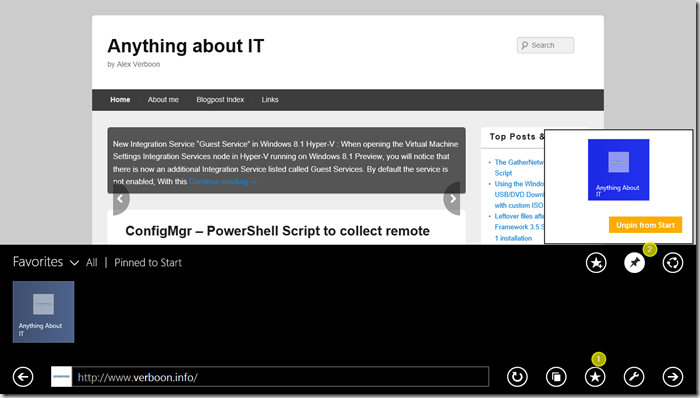
And now we have the live tile on the desktop.