Here’s a small script I just wrote to perform an antivirus scan against a specified file.
@Echo off
FOR /F “Tokens=4” %%a IN (’“C:\Program Files\Microsoft Security Client\AntiMalWare\mpcmdrun.exe” -Scan -ScanType 3 -File C:\TEMP\test1.wim -DisableRemediation’) DO SET THREAT=%%a Echo. if “%THREAT%"==“no” ( color 2F Echo No Threats Found - All clean ) ELSE ( color 4F Echo WARNING! Virus Found ) Echo. pause
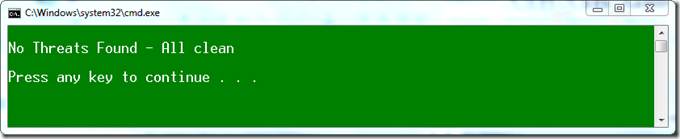
If all is OK you get the following result
If a virus was found you get the following result.

I used a test virus file which can be found here